
Quick Verdict
- Best for: small remote teams, freelancers, agencies and hybrid businesses that prioritize real-time collaboration.
- Not ideal for: teams relying on advanced Excel macros, heavy desktop workflow, or complex on-premises compliance systems.
- Free trial: 14-day trial available on all paid plans.
Introduction
Every small business owner or freelance team eventually hits the same wall: free consumer Gmail accounts look unprofessional, scattered files get lost across personal drives, and coordinating edits between teammates turns into a messy back-and-forth of email attachments.
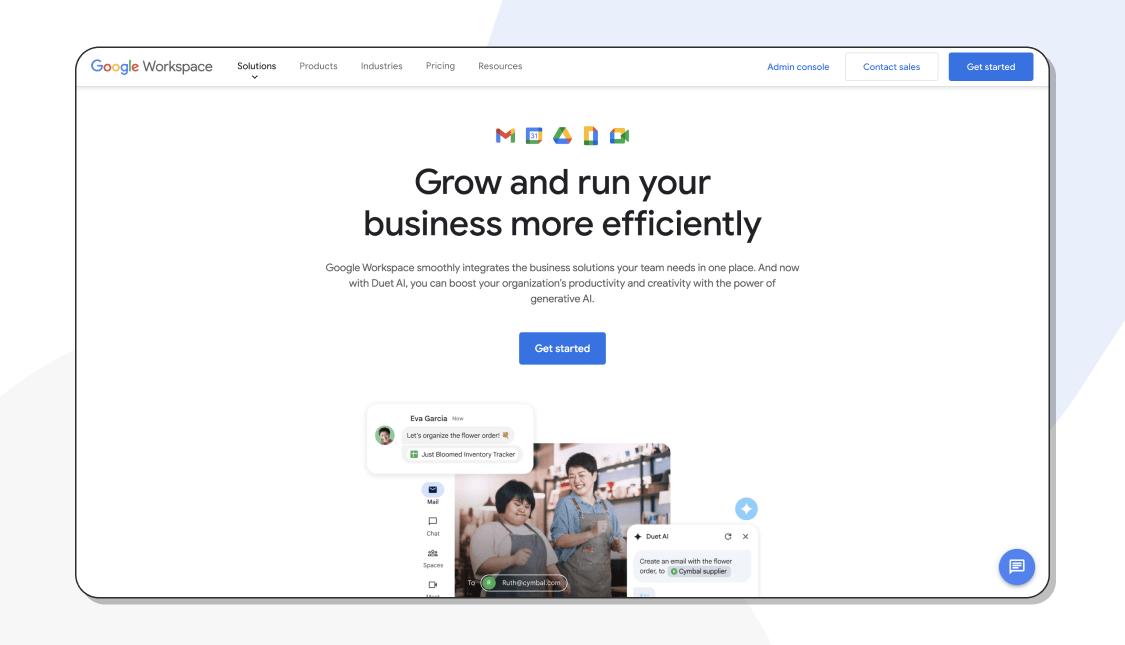
This is the problem Google Workspace was built to solve. It is Google’s all-in-one business platform that lets you host your company email on your own domain, create and share documents, store files in the cloud, host video calls, and communicate with teammates in one unified ecosystem. Over the years it has evolved far past the old G Suite, with native Gemini AI tools added directly into Docs, Sheets and Meet, bringing summarization, rewriting and data analysis without an extra subscription fee.
We tested Google Workspace over several weeks from the perspective of a typical US small agency team to break down what works well, where it falls short, and whether the monthly subscription price delivers real value in 2026.
Who Should Use Google Workspace?
Google Workspace fits best for teams of 1 to 50 people, especially fully remote or hybrid groups. Digital marketing agencies, e-commerce store owners, freelance collectives, startup teams and content creators are its biggest fans. The platform requires almost no dedicated IT staff to manage, which is a huge advantage for small companies that cannot afford a full-time admin.
It is also a solid choice if your team already uses Google services in daily life. If your staff are comfortable with Gmail, Google Drive and mobile Google apps, the learning curve is almost nonexistent. New team members can be set up with a work email and access to all shared files in minutes.
On the flip side, Google Workspace is not the right fit for every business. If your finance team builds heavy spreadsheets with macros, pivot-heavy modeling or custom VBA scripts, Google Sheets will feel limiting. Teams that need advanced offline document access as their primary workflow will also notice gaps, because Workspace is built around cloud-first operation.
Core Features Breakdown
Custom Business Gmail
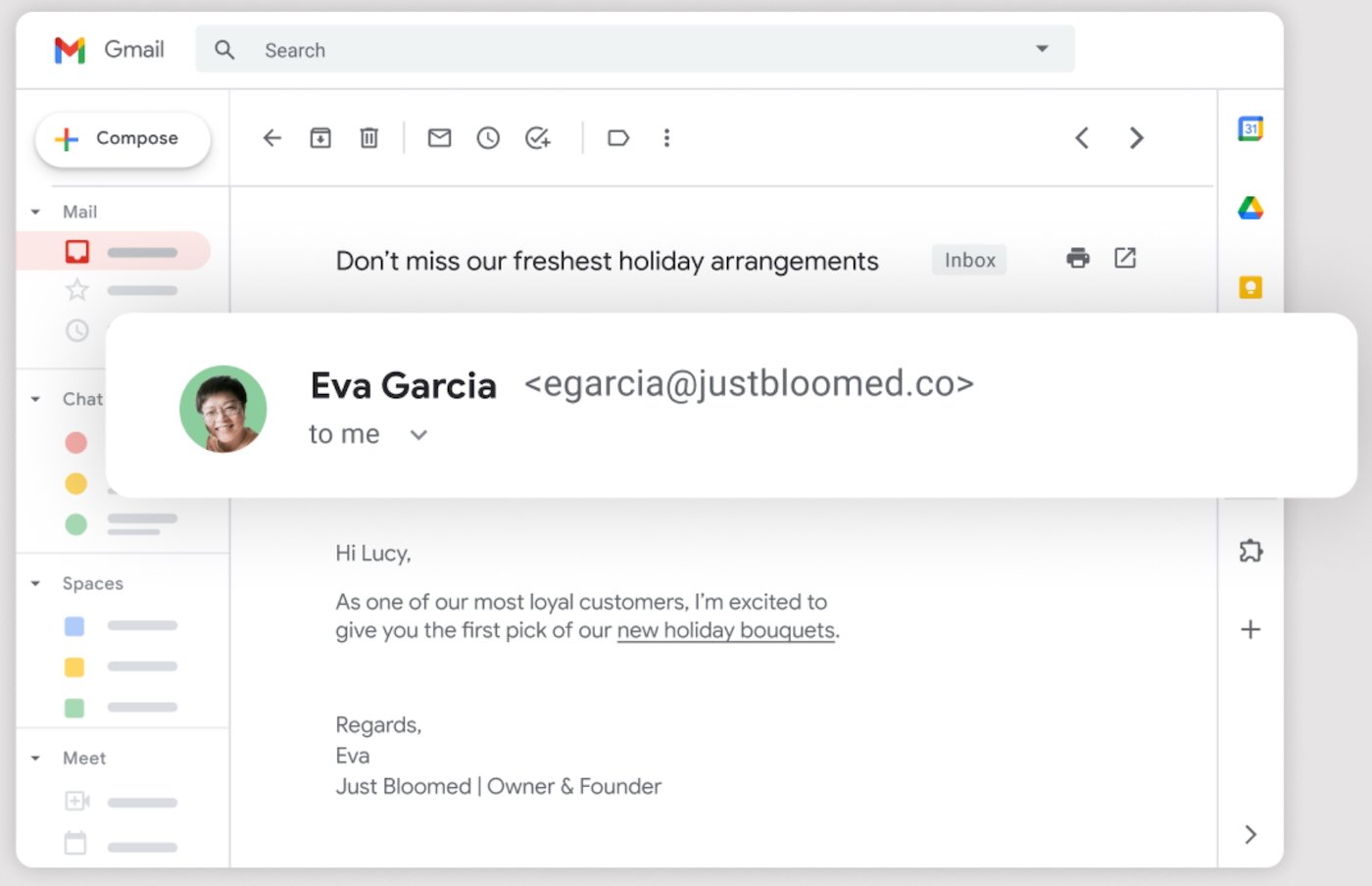
The flagship feature for most buyers is professional Gmail on your own domain, like name@yourbrand.com. Google’s spam filtering is consistently one of the strongest on the market, blocking phishing, junk mail and malicious attachments before they hit your inbox. Search functionality is another major win; you can pull up old emails, attachments and conversation threads from years ago with minimal effort.
Real-Time Collaboration in Docs, Sheets & Slides
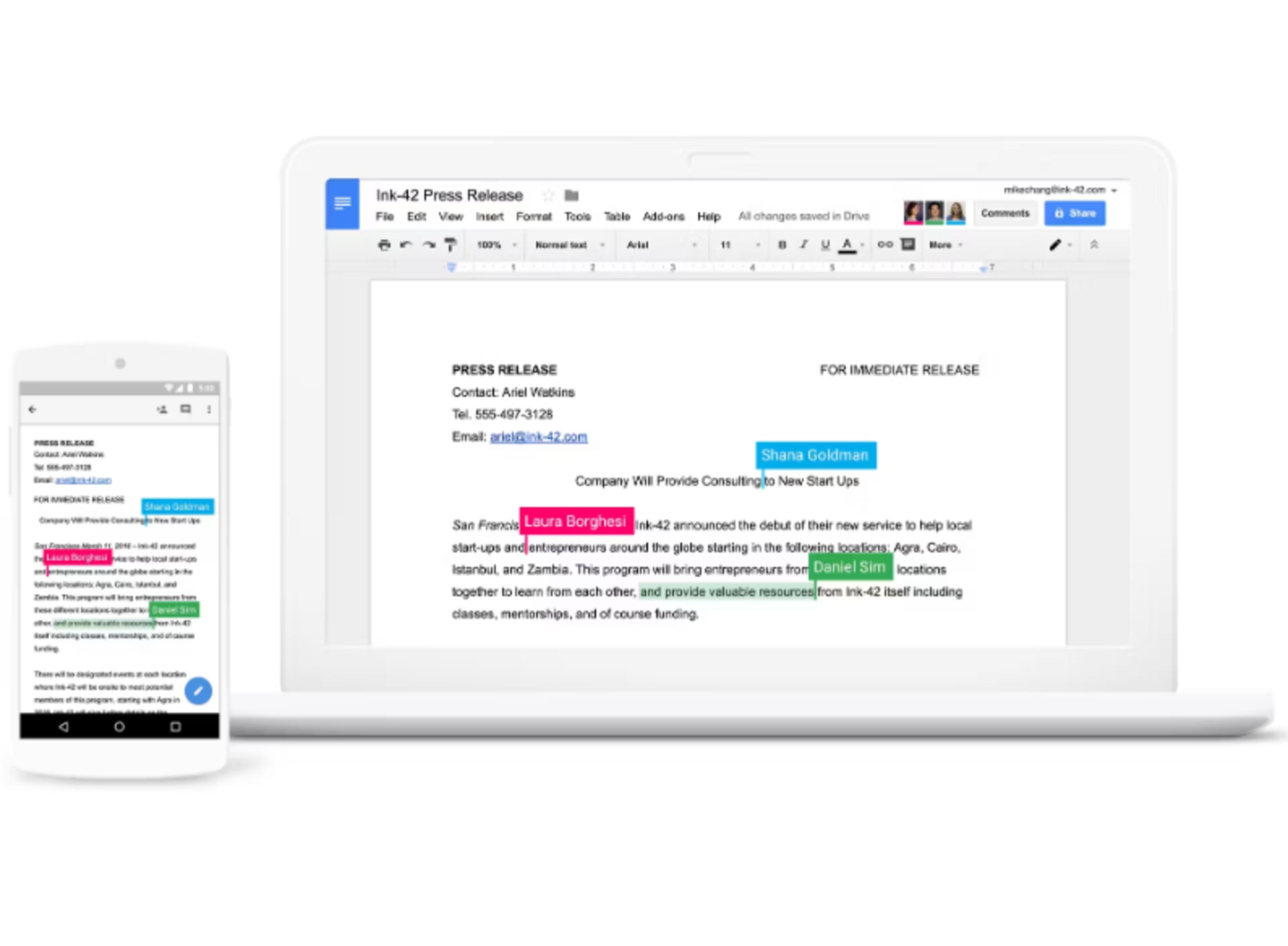
This is Google Workspace’s biggest competitive advantage. Multiple users can open the same document, spreadsheet or presentation at once, typing live, leaving threaded comments, tagging teammates and assigning tasks. There is no need to send revised file copies back and forth, and version history saves every change so you can roll back mistakes in one click.
Google Meet & Google Chat
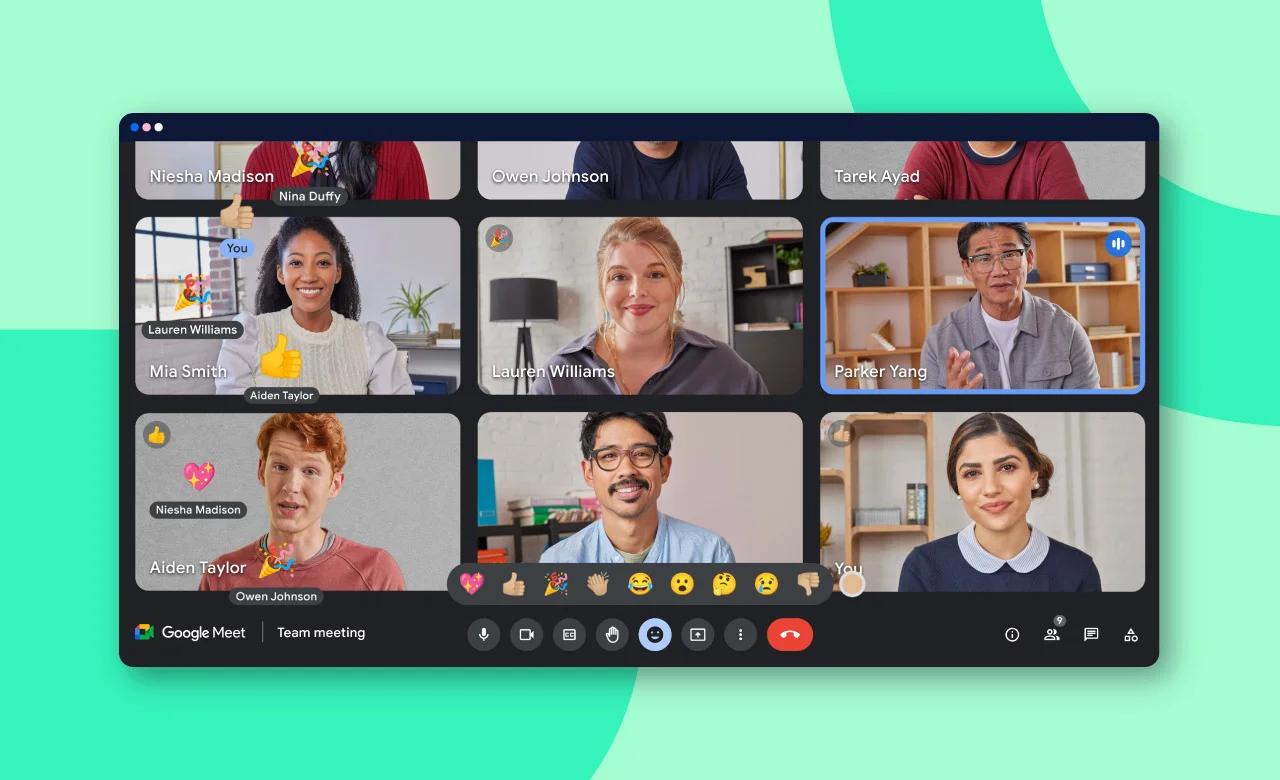
Google Meet powers team video calls, client check-ins and webinars. It supports live captions, meeting recording, screen sharing and breakout rooms. Recordings save directly to Drive automatically, which is very handy for teams that want to revisit meeting notes. Google Chat is built for quick team messaging, threaded conversations and file sharing, though it remains more basic than dedicated tools like Slack.
Google Drive Cloud Storage
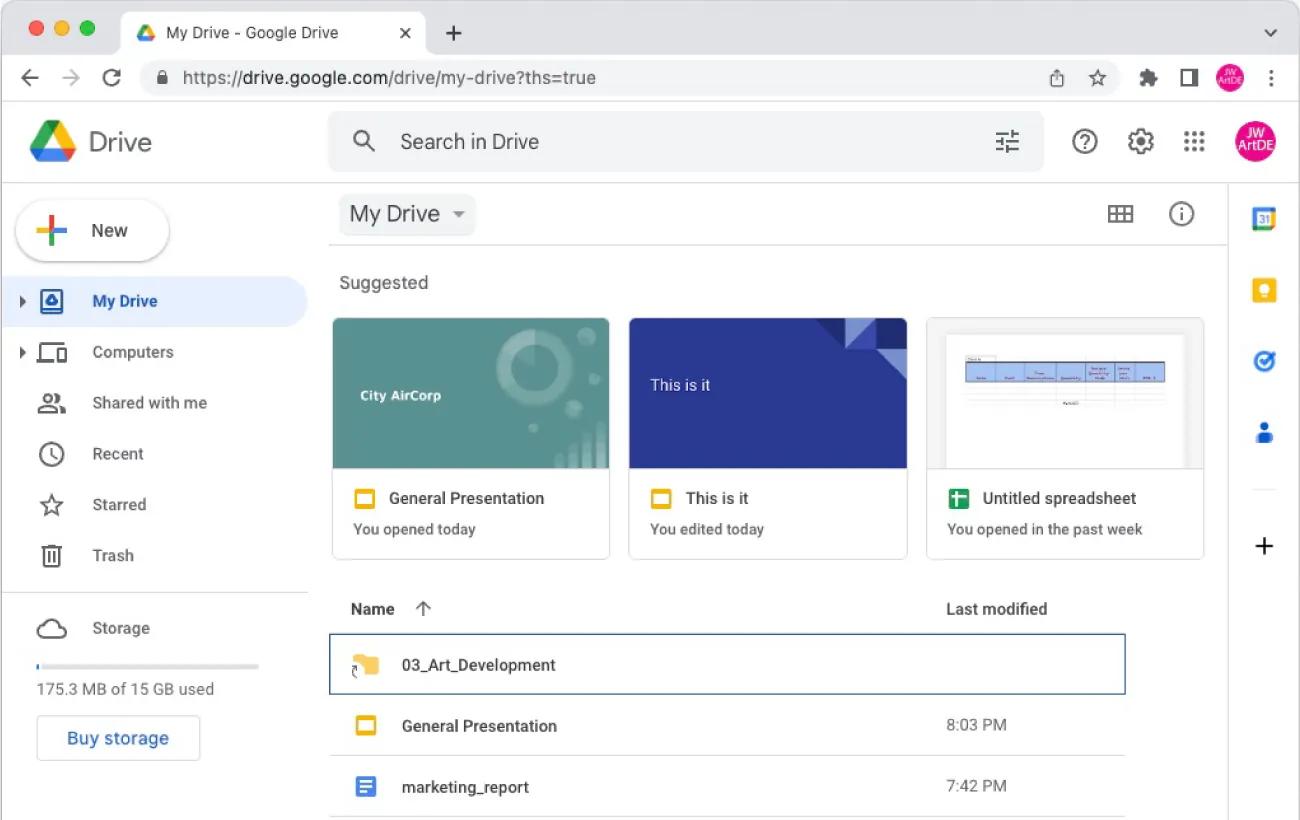
All plans include shared Drive storage, pooled between all users on the subscription. This shared pool model is convenient for teams that need to store client assets, contracts and project files. Permission controls are granular: you can set files to private, shared only inside your organization, or accessible via a share link for external clients.
Built-in Gemini AI
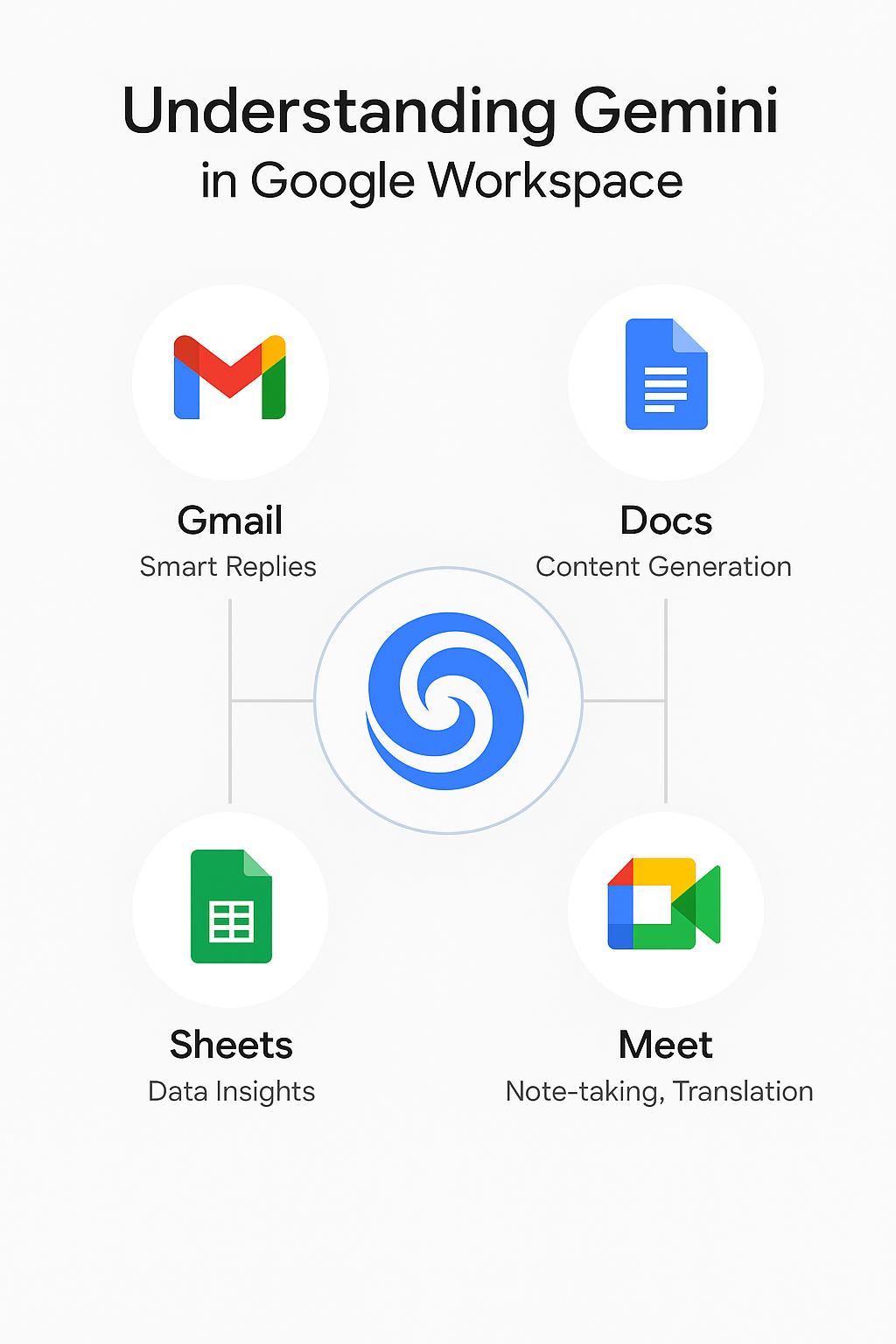
A major upgrade in recent years is native Gemini AI included in higher-tier Workspace plans. Inside Docs, Gemini can rewrite paragraphs, summarize long reports, create outlines or translate text. In Sheets, it helps sort data, generate charts and spot trends from tables. During Meet calls, Gemini can auto-generate meeting summaries, pull action items and list attendees.
Pricing (US, Annual Billing)
| Plan | Price / user / mo | Storage | Best highlights |
|---|---|---|---|
| Business Starter | $7 | 30 GB pooled | Custom email, Meet up to 100 participants |
| Business Standard | $14 | 2 TB pooled | Meeting recording, advanced Gemini access |
| Business Plus | $22 | 5 TB pooled | Google Vault, advanced security & DLP |
Monthly billing is available but costs roughly 20% extra. Once you exceed 300 users, you must move to custom Enterprise pricing.
Pros & Cons
What we like
- Industry-leading live collaboration with minimal lag
- Cloud-native design, no mandatory desktop install
- Excellent Gmail anti-spam and fast email search
- Gemini AI included in higher tiers, no extra cost
- Easy admin, no dedicated IT team needed
- Runs reliably on Chromebooks, phones and tablets
What could be better
- Sheets cannot match Excel for macros and VBA
- Offline editing needs manual setup, weaker than desktop Office
- Slow support on the Starter plan
- Google Chat is limited; many teams add Slack
- Slides design tools less powerful than PowerPoint
Google Workspace vs Microsoft 365
For many buyers, the final decision comes down to these two suites. Google Workspace is built for the cloud, prioritizes teamwork and is easier to manage for distributed remote teams. Microsoft 365 centers around powerful desktop Office apps, with the best Excel and PowerPoint tools on the market.
If your team spends most of its time editing documents together online, Google Workspace is the smoother option. If your core work is financial modeling, advanced spreadsheets or polished offline presentations, Microsoft 365 is usually the better pick.
Bottom Line
Google Workspace delivers huge value for small US businesses and remote teams that care most about easy collaboration and professional branded email. Its simple setup, reliable cloud storage and built-in Gemini AI keep it competitive in 2026.
It is not perfect, and it will frustrate power spreadsheet users. But for most small agencies, creators and online businesses, the pros easily outweigh the downsides.
Try Google Workspace Free
Start your 14-day free trial and get your team collaborating in minutes.