
Business Tools Review
Pricing, free plan, team seats, automation, integrations, trial terms, refunds, pros, cons, and practical buying advice.
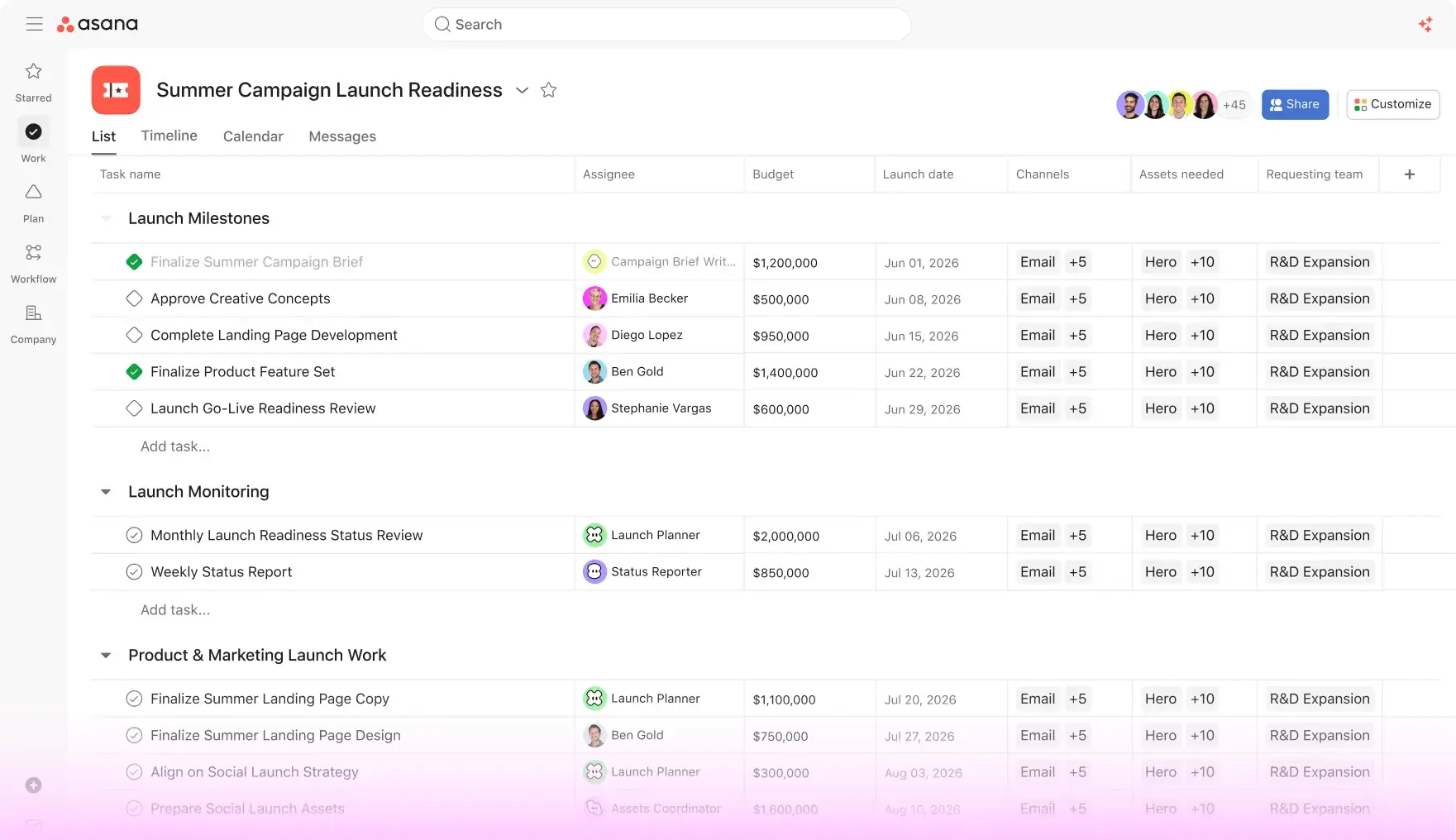
Asana is a work-management platform designed to turn projects, requests, goals, and recurring processes into visible work. Instead of keeping status updates in email threads, teams can assign tasks, add owners and due dates, create dependencies, review files, and see progress in list, board, timeline, calendar, or portfolio views.
This review is written for U.S. startups, agencies, marketing departments, product teams, nonprofits, and growing service businesses. Asana has recently moved its public plan names to Personal, Starter, Advanced, Enterprise, and Enterprise+. Prices, AI allowances, add-ons, taxes, and plan availability can change, so confirm the live U.S. pricing page before publishing a buying guide.
Quick Verdict
Best value for small teams
Starter
Starter adds timeline and Gantt views, forms, custom fields, dashboards, and unlimited automations without jumping to the much higher Advanced price.
Best for portfolio planning
Advanced
Advanced is the better choice for organizations that need goals, portfolios, resource management, approvals, proofing, and more structured capacity planning.
Best for enterprises
Enterprise
Enterprise and Enterprise+ add SAML, SCIM, advanced permissions, audit and compliance options, service accounts, and organization-wide controls.
Asana Pricing Cards
Personal
$0
free plan
Useful for individuals and small teams that need unlimited tasks, projects, comments, messages, file storage, recurring tasks, and basic project views. It is the low-risk way to learn Asana before a team standardizes on it.
Starter
$10.99
per user/month billed annually; $13.49 monthly
Personal features plus timeline and Gantt views, reporting dashboards, forms, custom fields, custom templates, unlimited automations, and unlimited free guests. AI features and usage allowances are subject to the current plan terms.
Advanced
$24.99
per user/month billed annually; $30.49 monthly
Starter plus goals, unlimited portfolios, resource management, approvals, proofing, time tracking, branching forms, scaled security, and selected reporting integrations.
Enterprise
Custom
contact sales
Organization-wide administration, SAML, SCIM, capacity planning, service accounts, view-only licenses, delegated project administration, and Enterprise+ compliance options.
Asana’s annual billing is cheaper than monthly billing, but the annual commitment should be compared with the number of paid seats and the way guests are handled. Starter and Advanced are priced per user; taxes are added based on the billing address. AI Studio and some usage-based AI requests can have separate allowances or charges, so include them in the budget if AI is part of the workflow.
Free Plan and Trial Experience
Asana’s Personal plan is the permanent free starting point. It is appropriate for an individual, a very small group, or a team learning basic task management. The free experience includes unlimited tasks and projects, comments, messages, file storage with a per-file limit, mobile apps, and recurring tasks. Premium-style views and advanced reporting are where the paid plans begin to matter.
Asana also offers trials or trial access to paid features depending on the account and signup flow. A team should use the trial to build a real project, import a sample process, test guest access, and confirm which features disappear after the trial. The pricing page and checkout screen are the authoritative sources for the exact trial length and conversion terms.
Team Seats, Guests, and User Management
Starter removes the small-team seat limit found in the Personal experience and is designed for teams that need a more structured project system. Asana lets organizations add seats in increments that vary by team size, so the billing model may not behave like a simple one-seat-at-a-time subscription for larger groups.
| Team need | Best Asana approach |
|---|---|
| One person or small group | Personal is enough for tasks, projects, comments, and basic collaboration. |
| Growing project team | Starter adds forms, custom fields, dashboards, timelines, Gantt views, and unlimited automations. |
| Multiple departments | Advanced adds goals, portfolios, resource management, approvals, proofing, and capacity visibility. |
| Enterprise administration | Enterprise and Enterprise+ add SAML, SCIM, audit, permissions, service accounts, and compliance options. |
Starter includes unlimited free guests according to Asana’s pricing page, which is valuable for agencies and client-service firms. Still, guest permissions should be tested carefully: the goal is to expose the right project without accidentally exposing internal budgets, comments, or strategic documents.
Automation Features
Asana’s rules and workflow automation are a major reason to upgrade from Personal. A rule can react to a trigger—such as a task entering a section, a custom field changing, a form submission, or a due date approaching—and then assign a task, move it, update a field, or notify another tool. Starter advertises unlimited automations, which makes it practical for repeatable marketing, operations, and service workflows.
Forms standardize intake. A marketing request can ask for audience, budget, deadline, and asset type, then automatically create a task with the correct owner and section. Advanced adds branching forms and more complex portfolio-level planning. AI Studio can be used to build AI-powered workflows on eligible plans, but AI request allowances and paid usage should be checked separately.
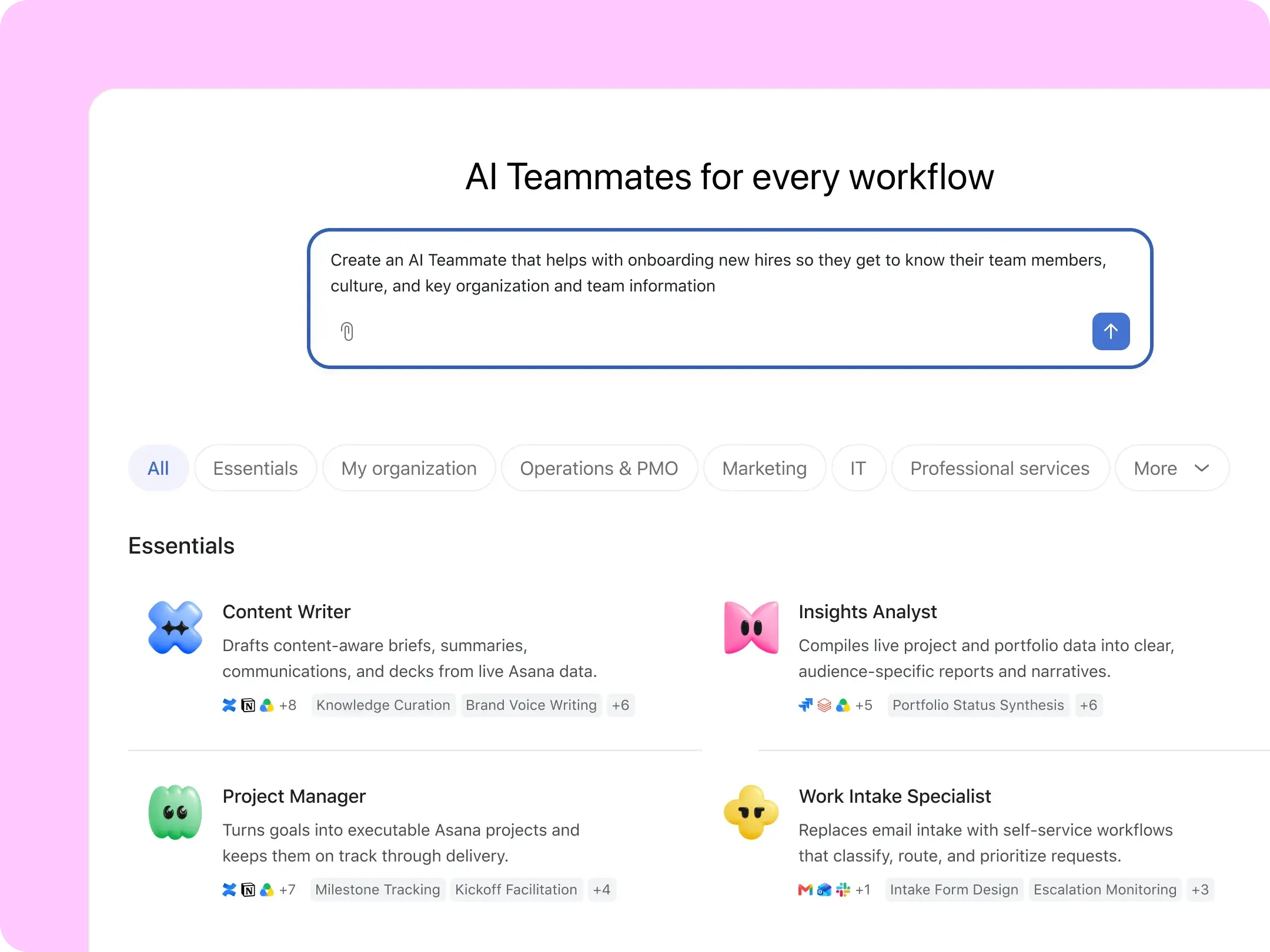
Intake automation
Forms convert structured requests into tasks with owners, deadlines, and custom fields.
Workflow rules
Triggers and actions automate assignments, approvals, status changes, reminders, and notifications.
AI workflows
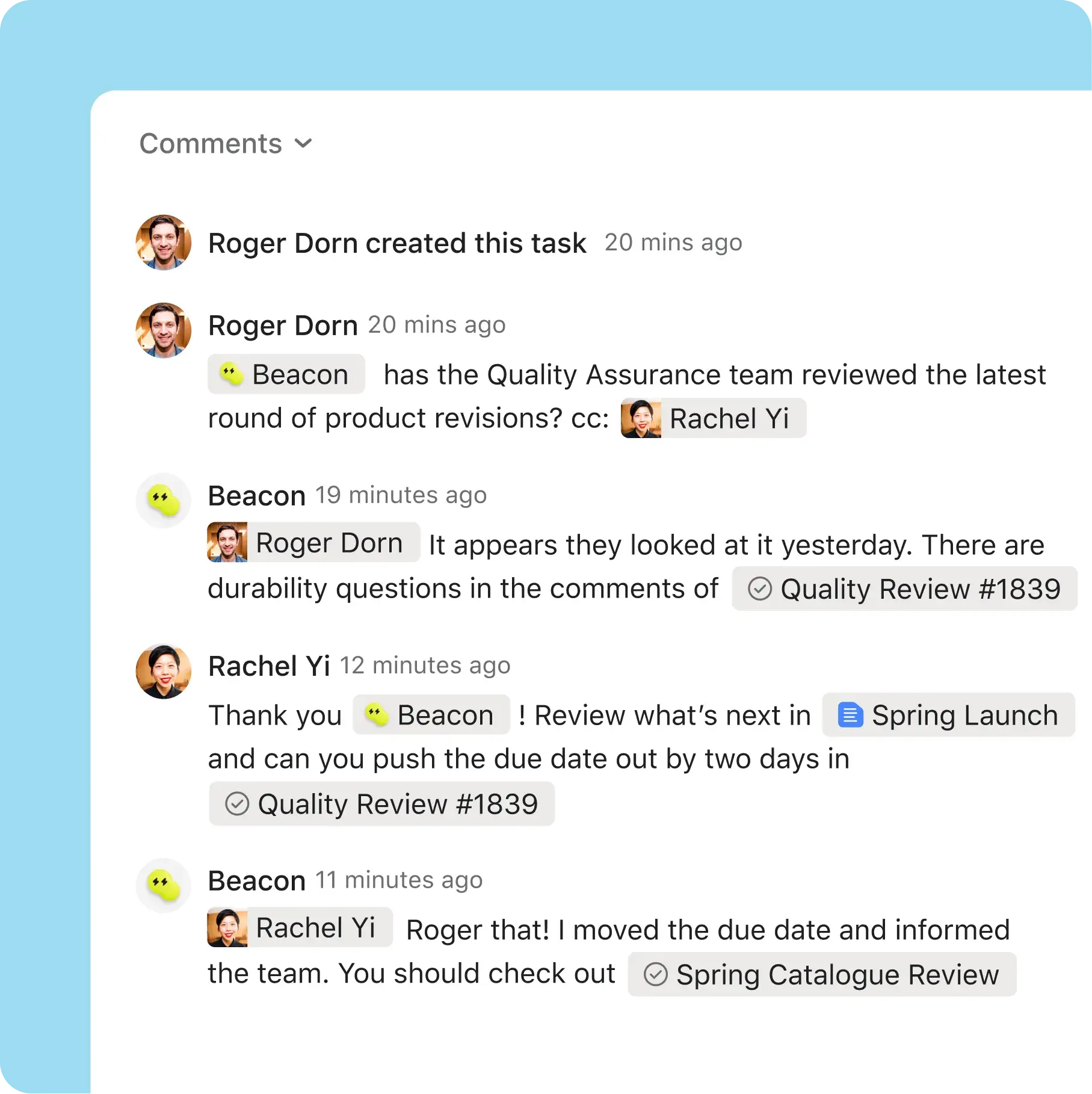
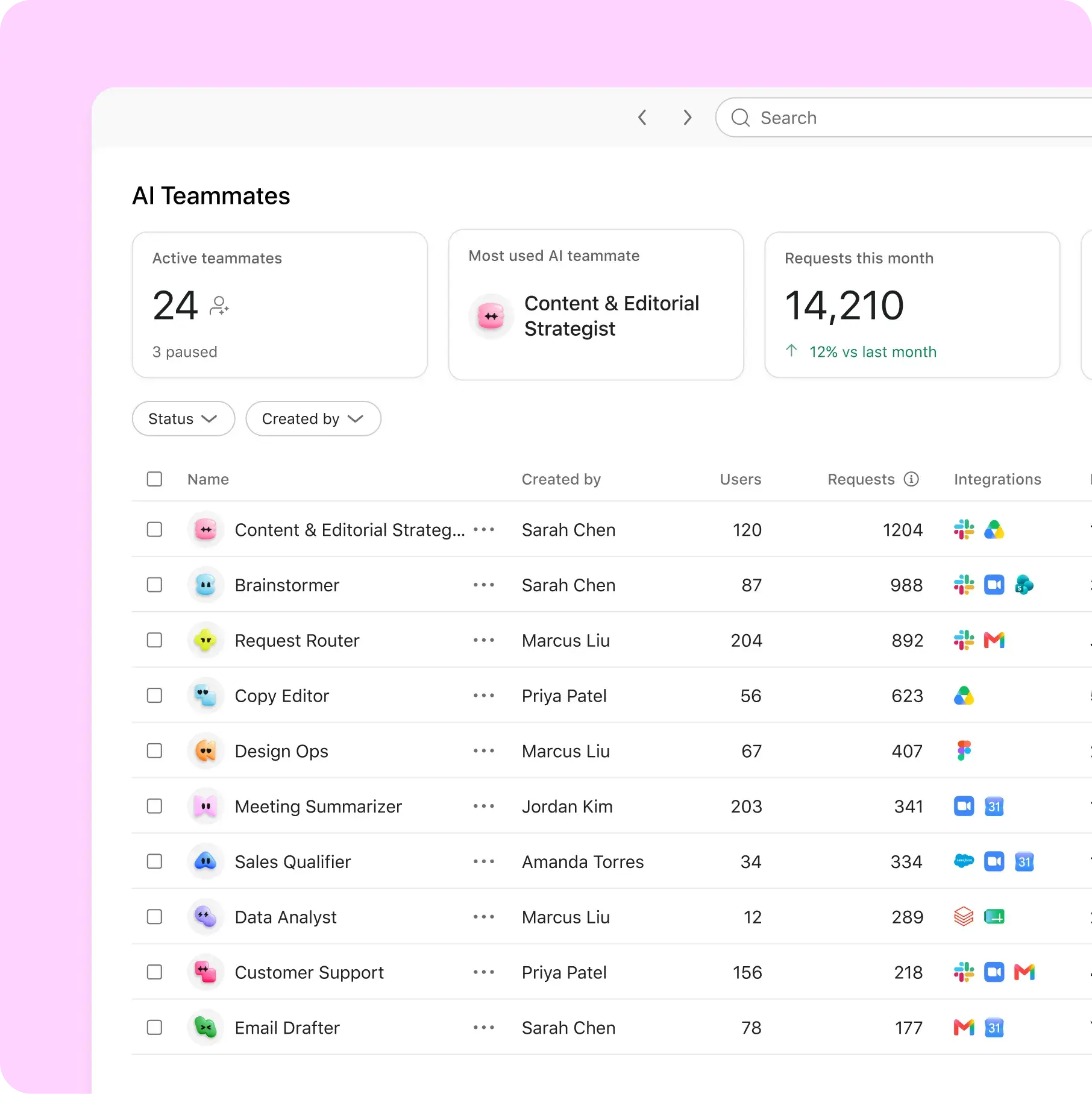
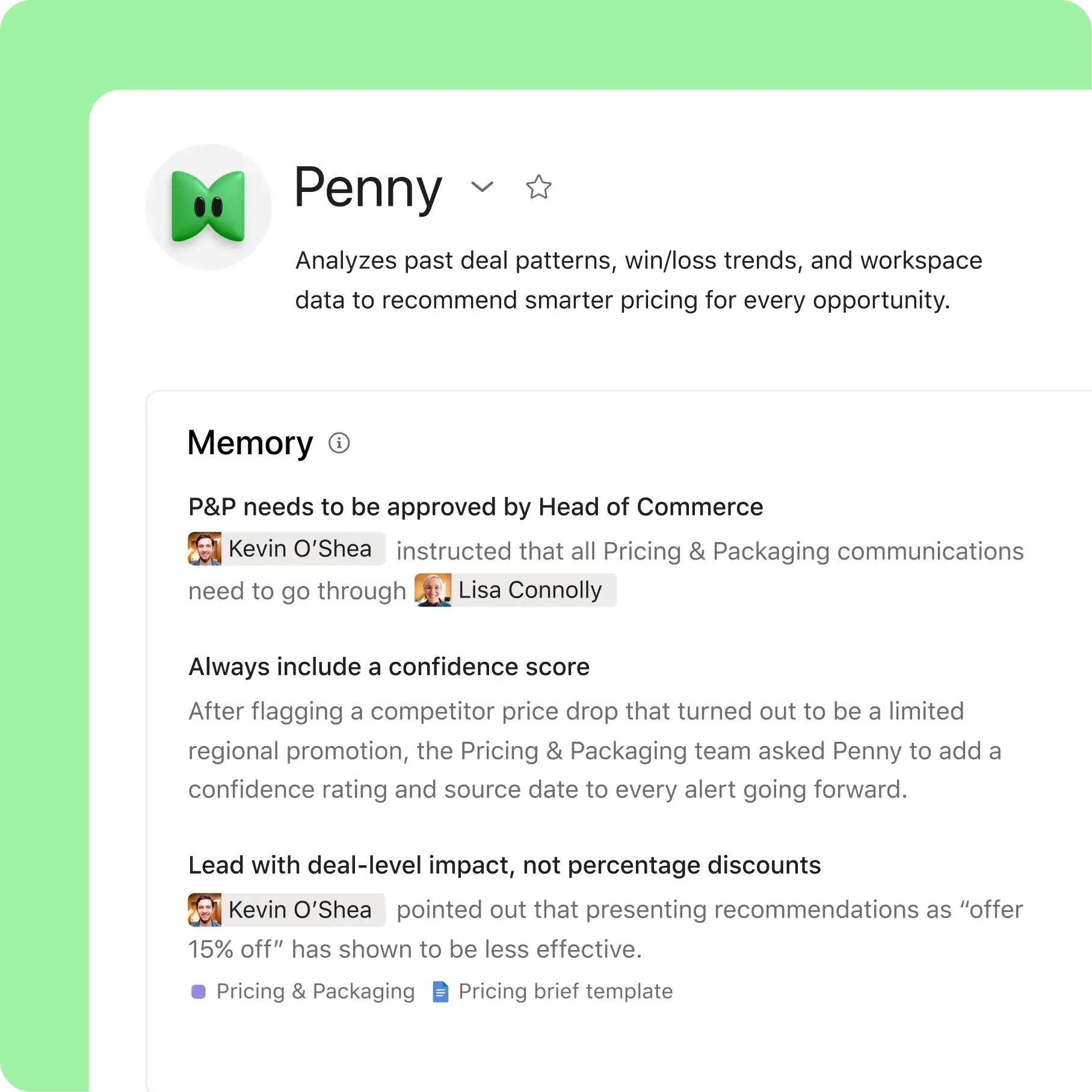
AI Teammates, Asana Dash, and AI Studio can support work discovery and automation on eligible plans.
Integrations and App Ecosystem
Asana advertises more than 200 apps and integrations, including Slack, Microsoft Teams, Zoom, Google Drive, Outlook, Zendesk, Salesforce, Tableau, Jira, Dropbox, Gmail, GitHub, and Power BI. The integration catalog is especially useful for companies that want to connect project work with communication, CRM, support, development, reporting, and cloud storage.
Asana’s rules integrations can send a Slack message when a task is completed, create a Jira issue when a request enters a section, or connect forms to other business systems. The API and developer tools allow custom applications, although complex two-way synchronization should be tested carefully to prevent duplicate tasks and conflicting ownership.
Security and Administration
Personal and Starter are suitable for many ordinary business workflows, but companies with strict identity or compliance requirements should look at Enterprise. Enterprise adds SAML authentication, SCIM provisioning, service accounts, view-only licenses, guest invitation permissions, and delegated project administration. Enterprise+ adds deeper security and compliance options such as audit logs, data residency, SIEM integrations, and managed workspaces.
Asana hosts its service on Amazon Web Services and publishes security information through its Trust Center. As with any cloud project tool, administrators should define who can invite guests, which projects are private, how files are shared, and how long completed work is retained.
Pros
Clear ownership
Every task can have an assignee, due date, status, dependencies, and conversation in one place.
Flexible project views
Lists, boards, timelines, Gantt charts, calendars, dashboards, goals, and portfolios support different planning styles.
Strong intake and automation
Forms, rules, templates, and integrations reduce repetitive coordination work.
Good for cross-functional teams
Marketing, product, operations, design, and leadership can share a system without using identical workflows.
Cons
Advanced features get expensive
Advanced is a large price jump from Starter, especially when many employees need portfolios or resource management.
Setup requires discipline
Without naming rules, project templates, and ownership standards, an Asana workspace can become cluttered.
AI pricing is evolving
AI allowances, Studio credits, and request-based usage require careful monitoring if AI is central to your process.
Not a full communication replacement
Asana comments and messages support work, but teams may still need Slack, Teams, or email for real-time conversation.
Free Trial, Cancellation, and Refund Policy
Asana’s pricing FAQ says customers can cancel before the next renewal and keep paid features through the end of the current subscription period. Cancellation is handled through the account’s admin console. A cancellation does not normally create an immediate loss of access, but it can affect premium data and features when the paid period ends.
Asana’s official pricing FAQ states that it does not offer refunds. This makes the trial and pilot especially important. Confirm the number of seats, test exports, and decide whether your organization can continue with the Personal plan before committing to annual billing. Sales tax is applied based on the billing address.
Our Recommendation
Choose Asana Personal if you are learning project management or coordinating a small number of tasks. Choose Starter for most small U.S. businesses: it provides the views, forms, dashboards, custom fields, and automations that make Asana feel like a real work system. Choose Advanced when leadership needs goals, portfolios, capacity planning, resource management, approvals, and proofing across multiple teams.
Enterprise is justified when identity, provisioning, auditability, data residency, and permission governance are business requirements rather than nice-to-have features. Before buying, run a real pilot, count every paid seat, verify guest behavior, and calculate the annual cost after tax and optional AI usage.
Official Purchase Links
Asana Pricing
Automation Rules
Integrations
Security
Last reviewed for publication: October 2026. Asana prices, AI allowances, plan names, trial terms, and add-ons can change. Verify the official U.S. pricing page before updating this article.