
Quick Verdict
- Best for: US small business owners, marketers, social media managers, and non-designers who need professional visuals fast.
- Not ideal for: professional graphic designers who need full Photoshop or Illustrator-level control.
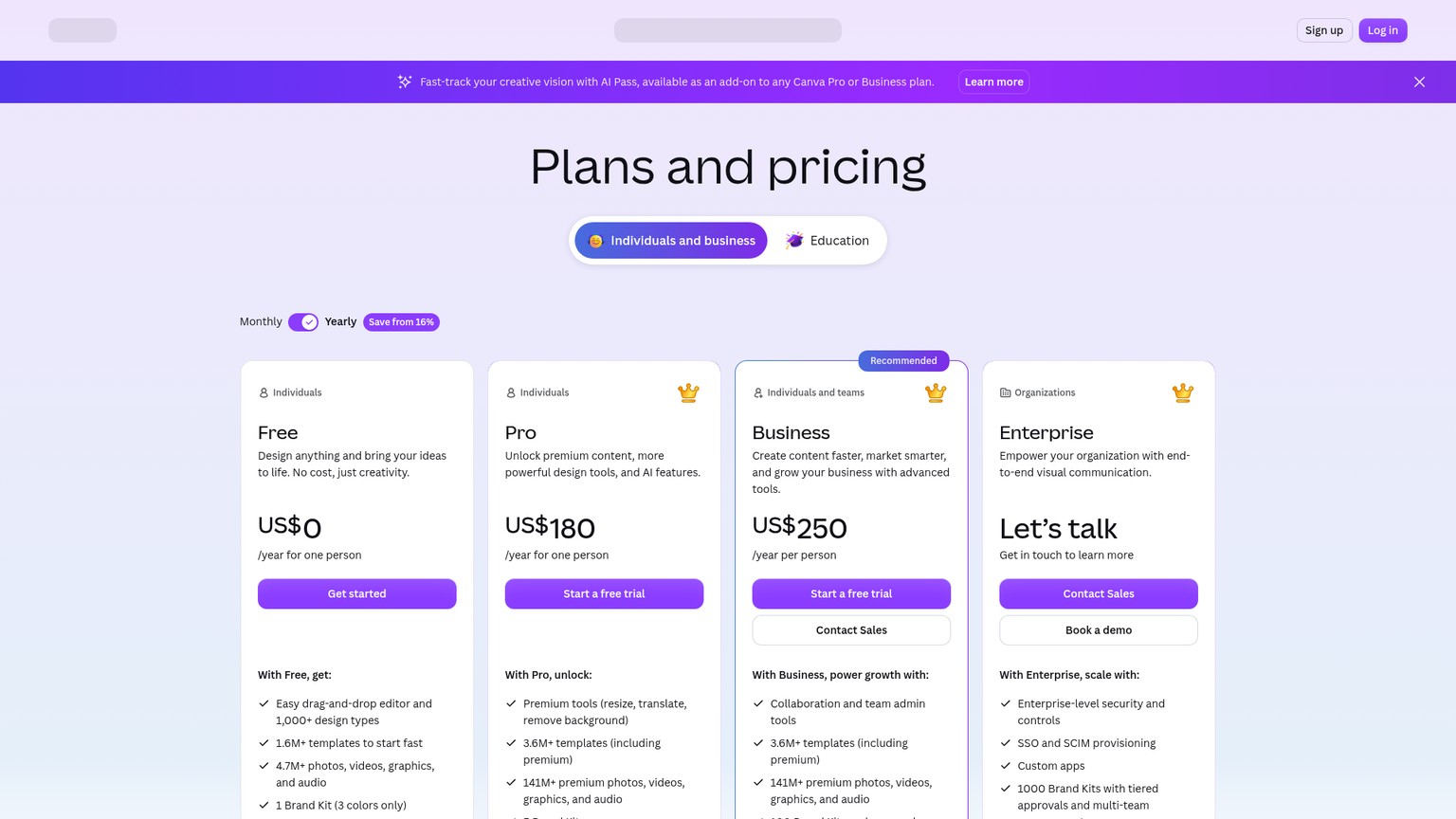
- Pricing: Free plan · Pro from ~$15/mo · Business ~$25/user/mo · Enterprise custom.
Introduction
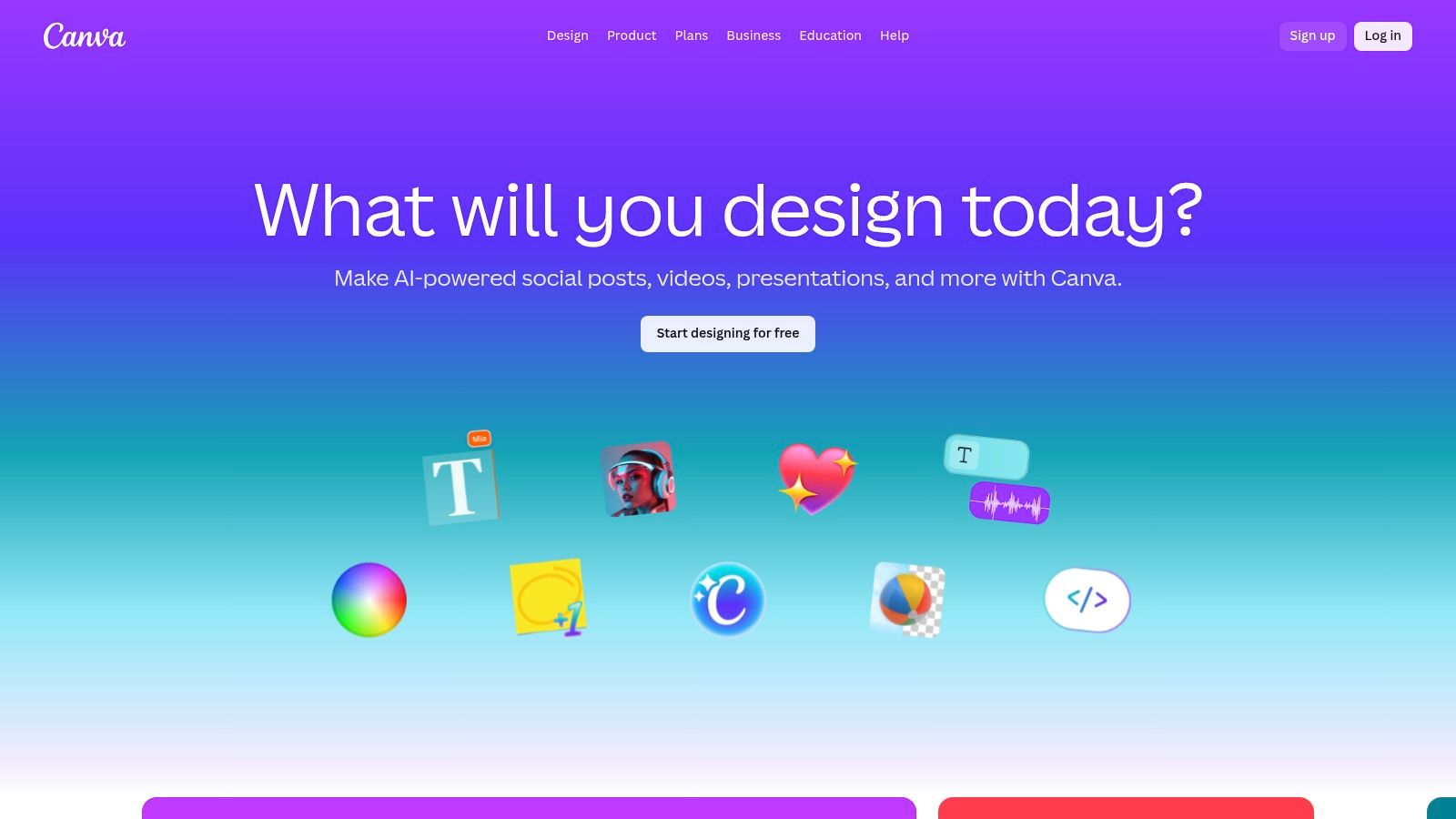
For most US small businesses, hiring a full-time designer is too expensive, but plain-text posts on Instagram and LinkedIn no longer cut it. The answer most teams land on is Canva — a browser-based design platform that has become the default tool for making anything from social posts to pitch decks.
What makes Canva interesting in 2026 is that it is no longer just a template library. Its AI layer, called Magic Studio, bundles text-to-image generation, AI copywriting, AI design generation, background removal, and smart resizing into the same editor. A business owner can now describe a design in plain English and get a polished, on-brand visual in seconds.
We tested Canva’s AI features hands-on from the perspective of a typical US marketer and small business owner to see whether the free plan is enough, which Pro tools are worth paying for, and where professional tools like Adobe still hold the edge.
Who Should Use Canva?
Canva is the strongest pick for anyone who needs to produce good-looking content without being a designer:
- Small business owners who need flyers, menus, logos and social posts.
- Marketing and social media teams producing daily posts, ads and stories.
- Freelancers and consultants building proposals, decks and lead magnets.
- Nonprofit and event organizers creating campaigns and print materials.
- Content creators who want consistent branding across platforms.
If you are a professional designer working on complex brand systems or detailed print production, you will still want Adobe Photoshop or Illustrator. Canva is built for speed and accessibility, not deep professional control.
Core Features Breakdown
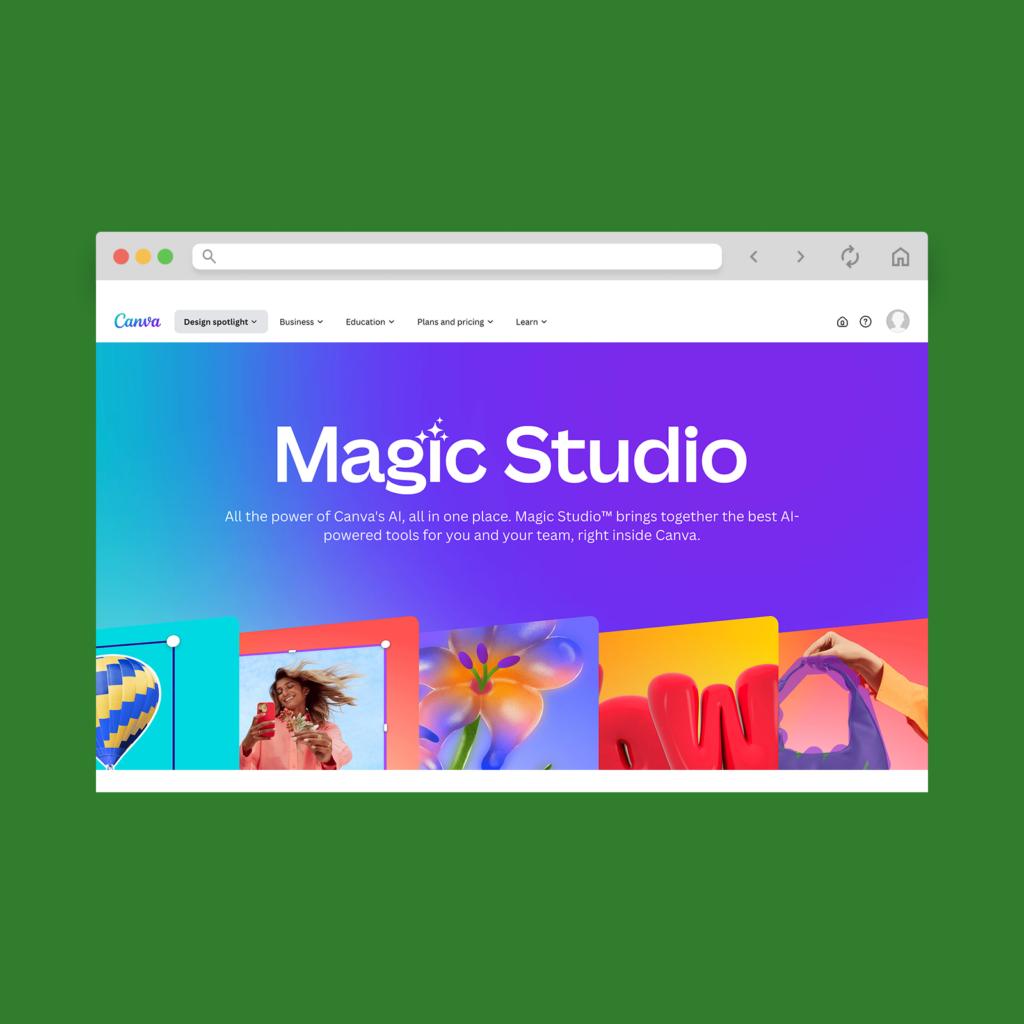
Magic Studio: All AI Tools in One Place
Magic Studio is the umbrella for Canva’s AI features. From one screen you can generate images from text, write and rewrite copy, remove backgrounds, translate designs, and resize assets for every channel. It is designed so that a complete beginner can produce work that looks professionally made.
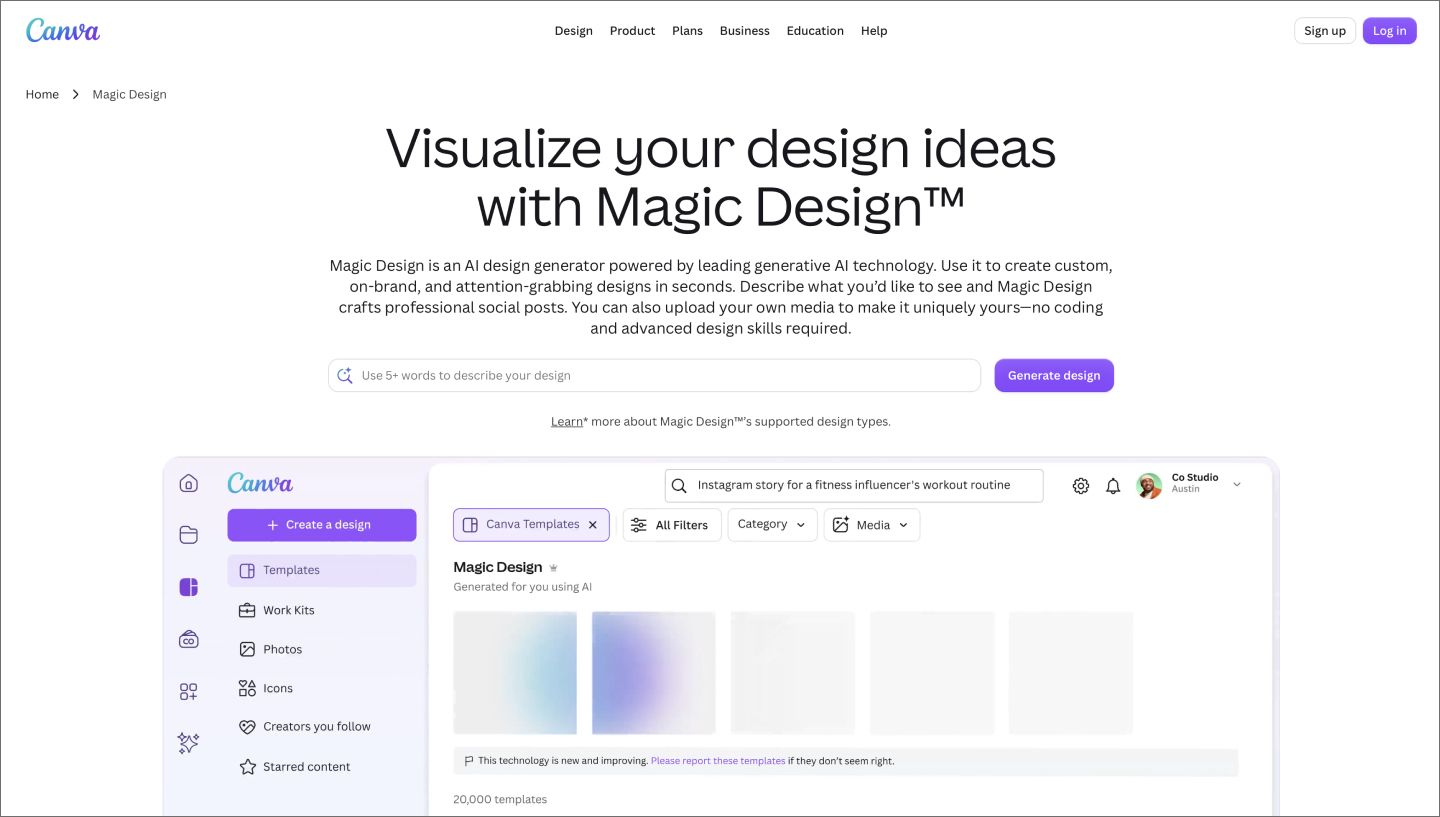
Magic Design: Describe It, Get It
Magic Design is Canva’s AI design generator. Type a short description like “Instagram story for a coffee shop’s weekend special” and Canva returns several coordinated layouts instantly. You can then edit, swap images and colors, and export — no blank canvas, no design skills required.
Magic Write: AI Copy Inside Your Design
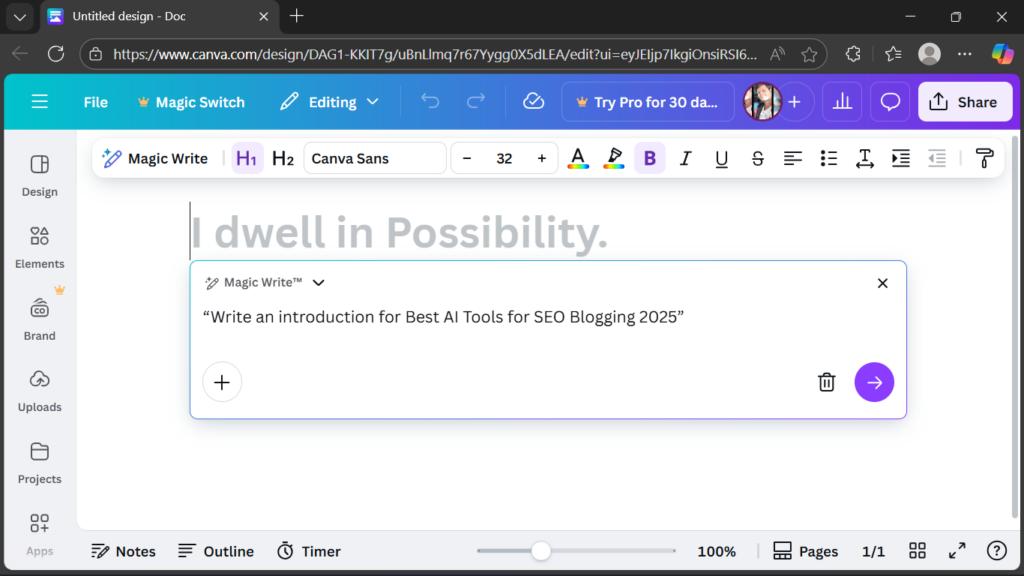
Magic Write is an AI text generator built into Canva Docs and the editor. You can ask it for a social caption, a blog intro, a proposal outline, or a product description, and it drafts the copy in your chosen tone and brand voice. It is especially handy for turning a rough idea into a finished post without switching apps.
Drag-and-Drop Editor & Massive Template Library
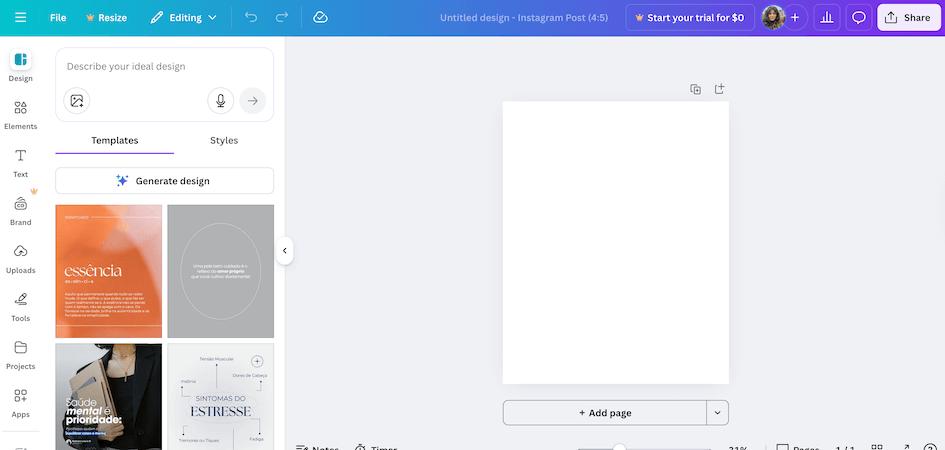
At its core, Canva remains the easiest editor to learn. You drag elements, text and images onto a canvas, and everything snaps into a clean layout. With over a million templates covering social posts, presentations, videos, websites and print, you rarely start from scratch.
Pricing (US, Approximate)
| Plan | Price | Best highlights |
|---|---|---|
| Free | $0 | 1M+ templates, 250k+ assets, basic AI tools, 5GB storage |
| Pro | ~$15/mo | Premium assets, background remover, 20+ AI tools, Brand Kits |
| Business | ~$25/user/mo | Team collaboration, brand approval, AI admin controls, 1TB storage |
| Enterprise | Custom | SSO, advanced security, 1000 Brand Kits, dedicated support |
Pro is the sweet spot for most creators and small businesses: it unlocks the full Magic Studio suite and removes most asset limits. Prices are approximate and vary by billing cycle and region.
Pros & Cons
What we like
- Extremely easy to learn, great for non-designers
- AI tools are integrated directly into the workflow
- Huge library of templates and premium assets
- Brand Kits keep output consistent
- Real-time team collaboration
- Generous and genuinely useful free plan
What could be better
- Limited fine-grained design control
- AI output can sometimes be generic
- Full features add up across multiple seats
- Not a substitute for professional design software
Canva vs Adobe
Adobe Photoshop and Illustrator remain the gold standard for professional design, offering unmatched precision, advanced editing and industry-standard output. Canva wins on speed, ease of use and price — it is the smarter choice for 90% of small business marketing tasks.
If you are a solo marketer or small team that needs daily social content, Canva will save you hours every week. If you are a professional designer doing complex, print-ready work, keep both: use Adobe for the heavy lifting and Canva for fast, on-brand templates.
Bottom Line
Canva is the best design tool for US small businesses and non-designers in 2026. Its Magic Studio AI features make it possible to describe what you want and get a polished, on-brand visual in minutes — no experience required.
It is not a replacement for professional design software, but for the vast majority of marketing and content work, Canva delivers outstanding value at a fraction of the cost.
Try Canva Free
Start with the free plan, upgrade to Pro when you need more AI and premium assets.