
Quick Verdict
- Best for: US writers, legal and consulting professionals, researchers, and developers who work with long documents and need dependable, honest answers.
- Not ideal for: teams that need strong image generation, voice chat, or a one-tool-does-everything AI assistant.
- Pricing: Free plan available · Pro $20/mo · Max from $100/mo · Team $30/user/mo (5 users min).
Introduction
Most AI assistants fail at one specific job: reading long documents without losing the plot. Ask ChatGPT to summarize a 200-page contract and you risk getting a confident answer with details quietly invented in the middle. That is exactly the problem Claude was built to solve.
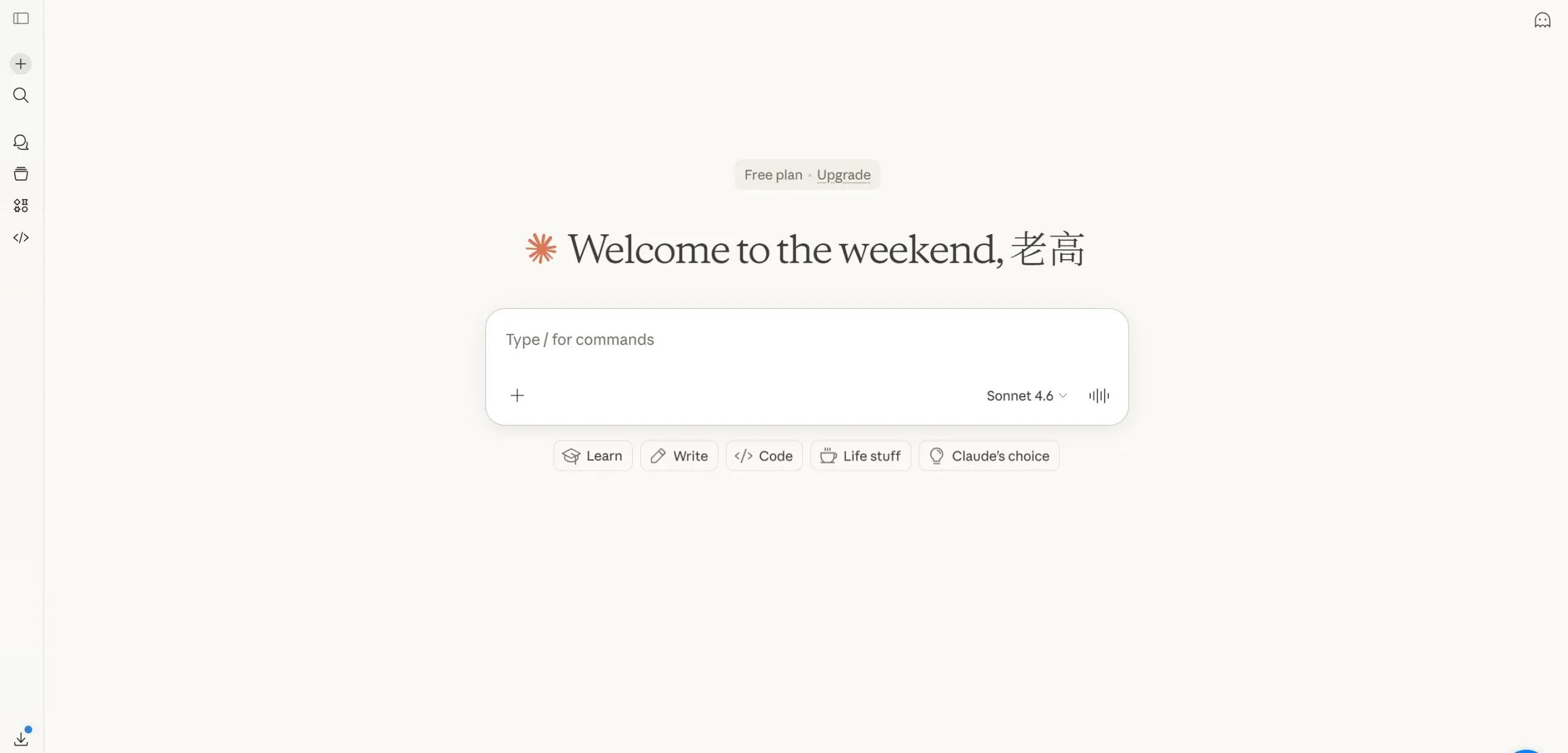
Claude, made by Anthropic, is a conversational AI assistant focused on deep reading, careful reasoning, and honesty. Instead of chasing every feature under the sun, Anthropic doubled down on doing one thing extremely well — processing huge amounts of context accurately and answering with a low risk of fabrication. For US professionals who live inside PDFs, contracts, research papers, and codebases, that focus is exactly what matters.
We tested Claude hands-on from the perspective of a typical US knowledge worker to see whether it deserves the hype, which plans make sense, and where ChatGPT and Gemini still win. Here is our honest verdict.
Who Should Use Claude?
Claude is the strongest pick for people whose daily work is reading and reasoning over long, dense material:
- Writers and editors who need long-form drafts with a natural, less robotic voice.
- Lawyers, paralegals and compliance teams reviewing contracts, policies and filings.
- Consultants and analysts summarizing reports, surveys and industry research.
- Developers working across large codebases, especially with Claude Code.
- Small business owners who need trustworthy help with proposals, emails and planning.
If your main need is generating images, having voice conversations, or casual everyday chat, ChatGPT or Gemini serve those use cases better. Claude is a specialist, and that is a feature, not a flaw.
Core Features Breakdown
Massive Context Window & File Uploads
This is Claude’s flagship advantage. Premium models support up to 1 million tokens of context — enough to ingest entire books, full audit reports, or thousands of lines of code in a single conversation. You can drag and drop PDF, DOCX, CSV, TXT, Markdown and code files directly into chat, and even compare multiple documents at once.
In practice this means you can upload three vendor contracts and ask Claude to list conflicting clauses, or feed it a full research paper and interrogate specific sections. ChatGPT tends to lose or invent details on long inputs; Claude keeps them straight, which is why so many US reviewers call it the best AI for document analysis.
Lower Hallucination & Constitutional AI
Anthropic trains Claude with a framework called Constitutional AI, which guides the model to be helpful, honest and harmless. The practical difference: when Claude does not know something, it usually says so instead of inventing a citation, a statute, or a fake number. In legal, financial and academic work, that honesty is worth more than any feature.
We should be clear — Claude is not hallucination-proof. No AI is. But in our testing and across independent benchmarks, Claude consistently fabricates less than competitors on long, factual tasks.
Artifacts: Build, Preview & Iterate
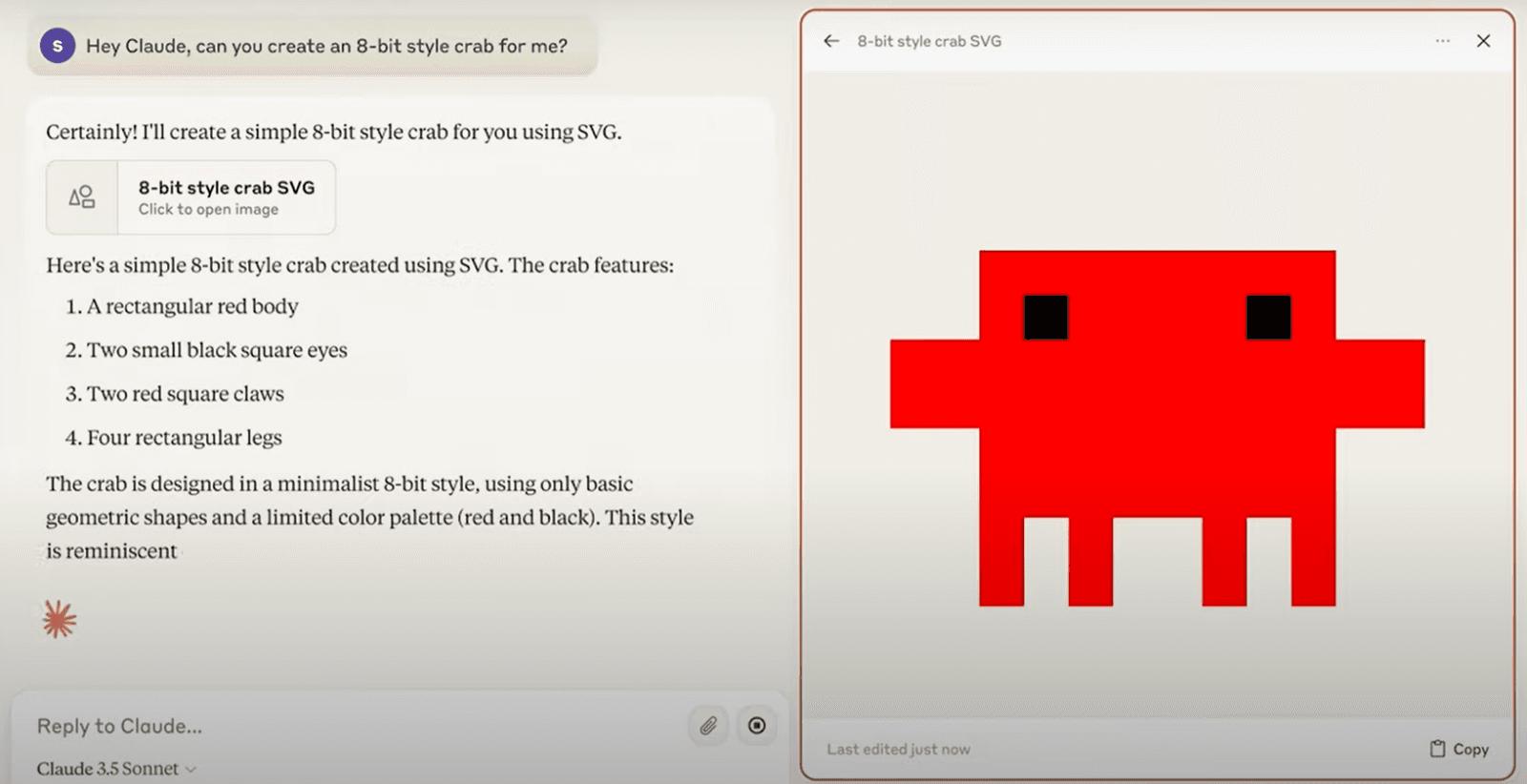
Artifacts is Claude’s signature feature. Instead of replying with text only, Claude can generate a working artifact — a document, spreadsheet, mini-app, chart or interactive page — in a dedicated preview window beside the chat. You can edit it, ask for changes, and even publish it to share with a link.
For US content teams and agencies this is a game changer: outline a landing page, get a live preview, tweak the copy and export, all in one conversation.
Projects: Persistent Context for Teams
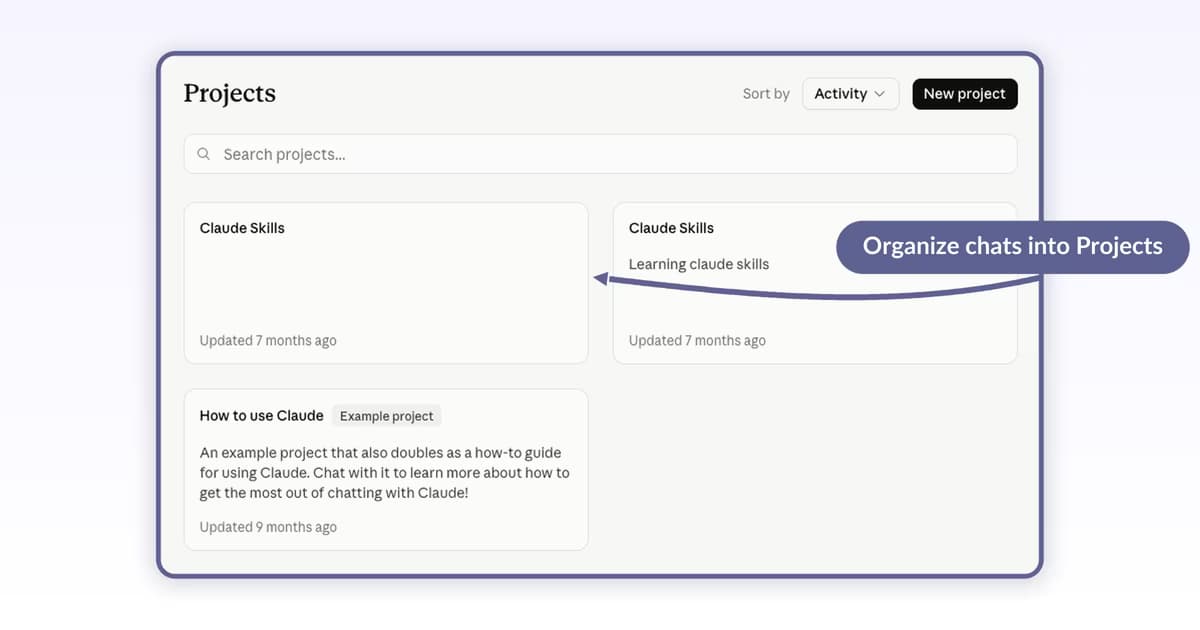
Projects let you organize chats around a topic and give Claude a shared knowledge base. Upload your brand guidelines, product specs and past work once; every chat in that project automatically uses that context. No more re-explaining your business in every prompt.
Claude Code: AI in Your Terminal
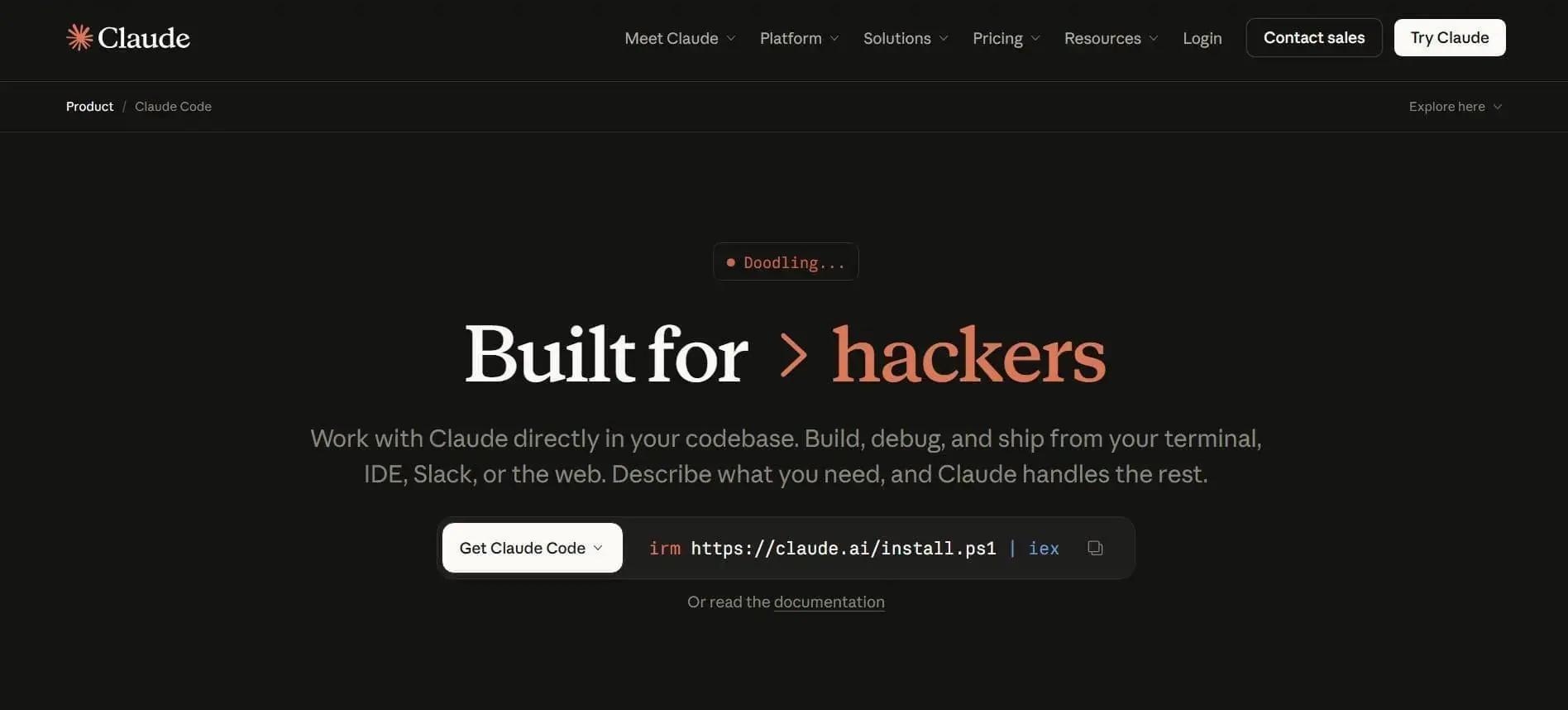
Claude Code is an agentic coding tool that works directly in your codebase, terminal, IDE, Slack or the web. It reads the whole repository, runs commands, fixes bugs, writes tests and can take a task from issue ticket to pull request. For US developers and indie hackers, this is one of the most powerful coding agents available in 2026.
Pricing (US)
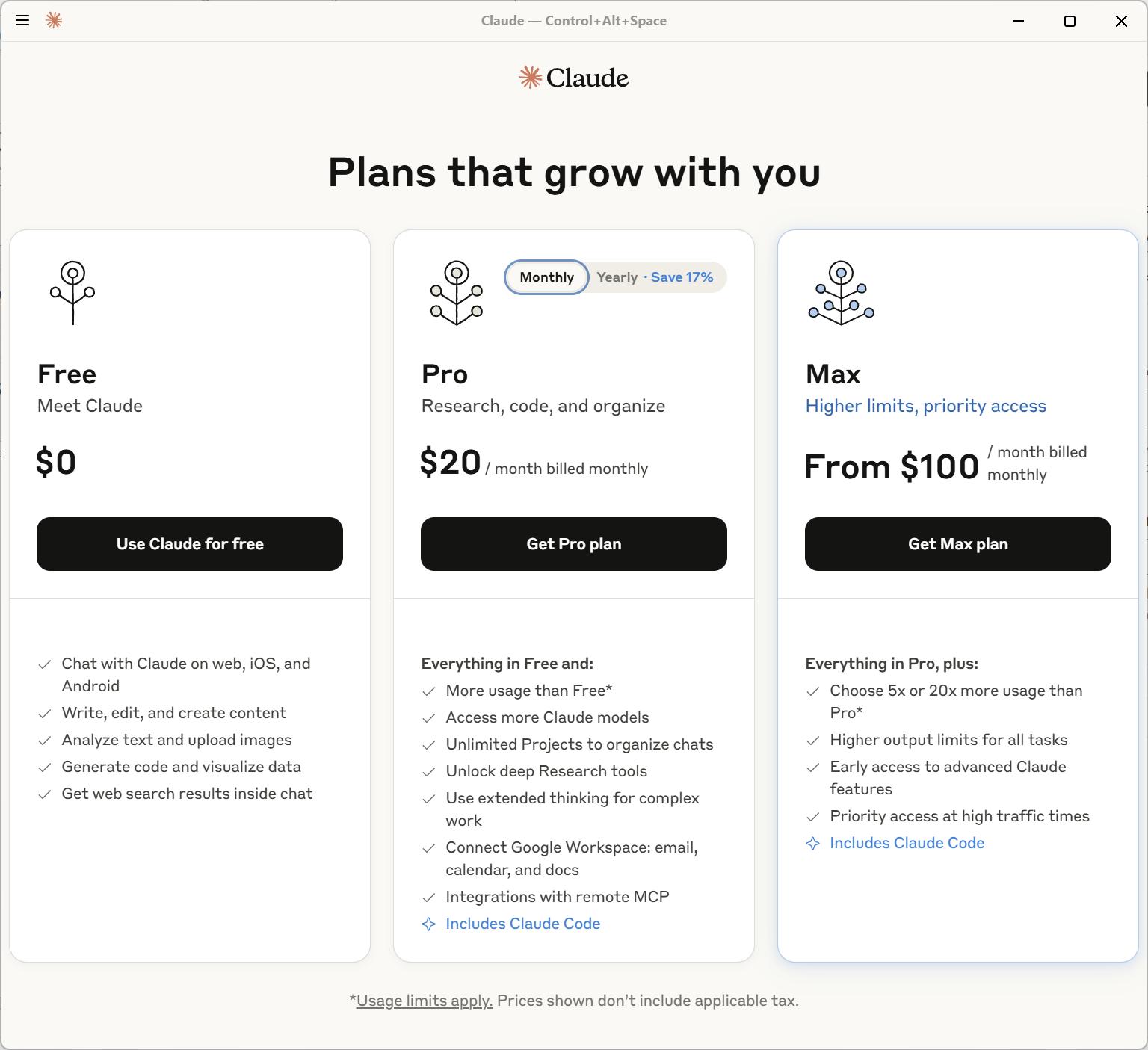
| Plan | Price | Best highlights |
|---|---|---|
| Free | $0 | Basic model access, limited messages, web search |
| Pro | $20/mo | More usage, Artifacts, Projects, Research, Claude Code |
| Max | from $100/mo | 5x or 20x usage, priority access, early features |
| Team | $30/user/mo (5 min) | Everything in Pro plus central billing, admin tools |
Pro is the sweet spot for most professionals: at the same price as ChatGPT Plus it adds Artifacts, unlimited Projects and Claude Code access. Max is aimed at power users and heavy coding workloads.
Pros & Cons
What we like
- Best-in-class long document reading
- Noticeably lower hallucination rate
- Artifacts & Projects are genuinely useful
- Natural, less robotic writing quality
- Claude Code is a top-tier coding agent
- Strong safety and data practices
What could be better
- No strong native image generation
- No built-in voice chat
- Web search less seamless than rivals
- Heavy use pushes you to expensive Max plan
Claude vs ChatGPT in 2026
ChatGPT remains the most versatile assistant: image understanding, a huge plugin ecosystem and broad consumer features. But on the tasks US businesses actually struggle with — analyzing long contracts, summarizing research, writing coherent long-form content — Claude is consistently more reliable and more honest.
If you want one assistant for everything, ChatGPT wins. If your work is document-heavy and accuracy matters more than breadth, Claude is the better investment.
Bottom Line
Claude is the best AI assistant for long documents, contracts and research that US professionals can buy in 2026. Its massive context window, lower hallucination and genuinely useful Artifacts and Projects make it the smart choice for writers, lawyers, consultants and developers.
It is not an everything tool — skip it if you need image generation or voice chat. But if you live in PDFs and codebases, Claude delivers more trustworthy value per dollar than any rival.